
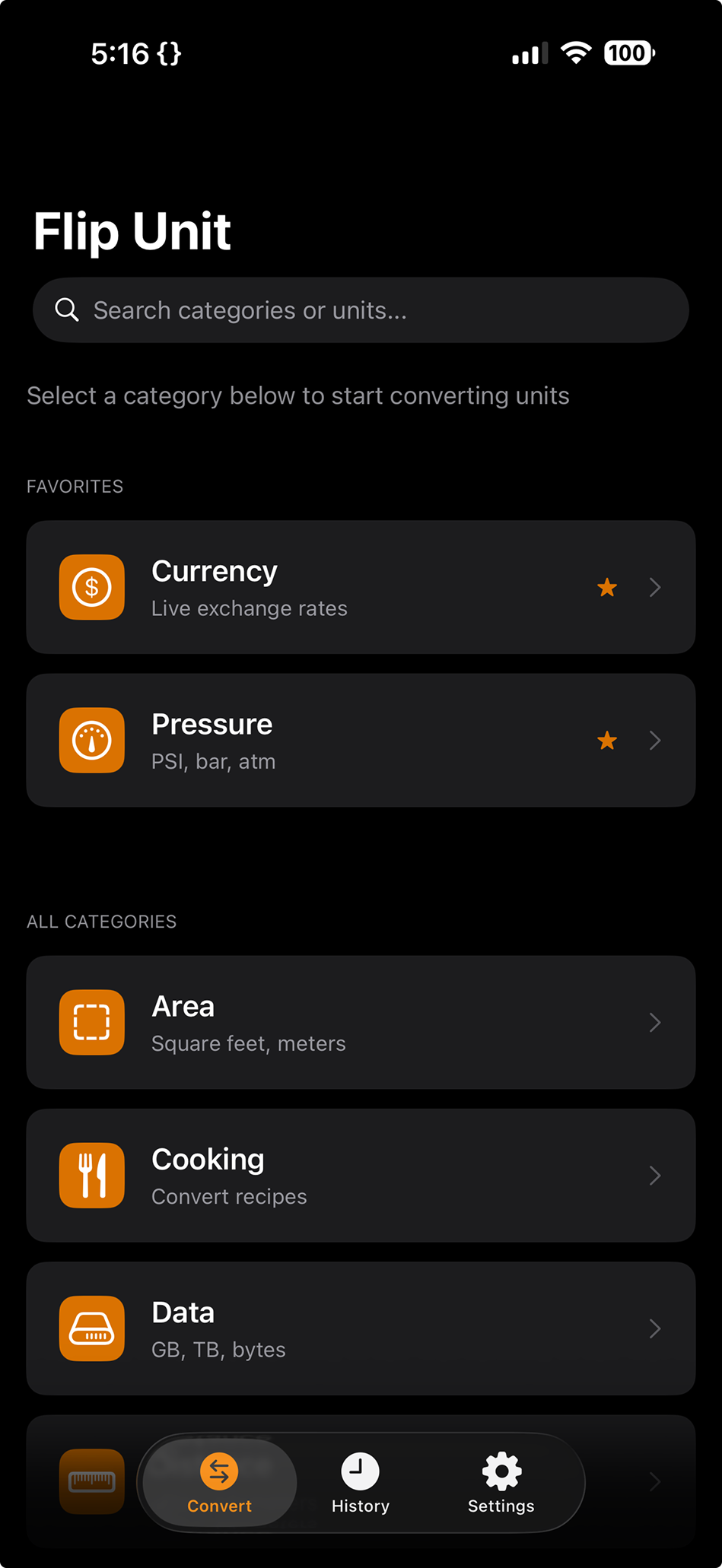
All 12 categories
Every conversion from the iPhone works the same way on your wrist.
Looks right in light and dark mode. Tap any screenshot to enlarge.
A native Apple Watch app with every category from your iPhone — including live currency, synced favorites, and one-tap complications.
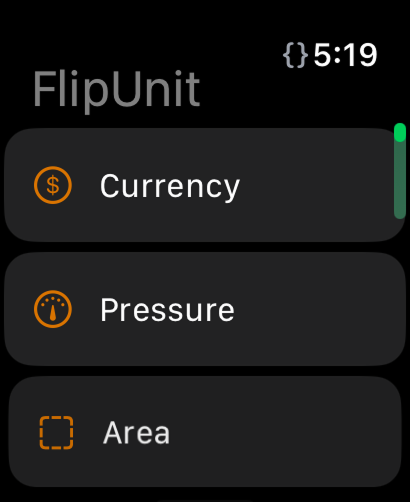
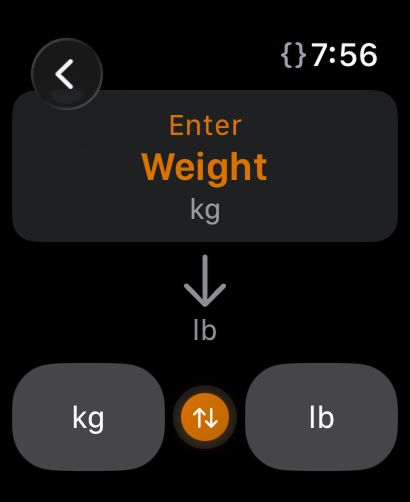
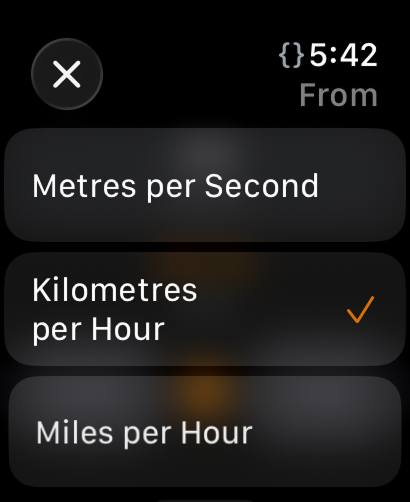
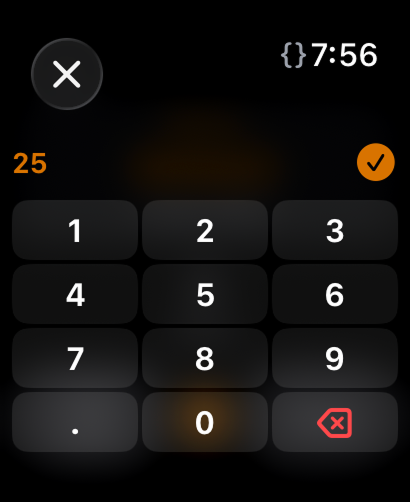
Every conversion from the iPhone works the same way on your wrist.
Exchange rates push automatically from your iPhone. The Watch never has to fetch them itself.
Star a category on the phone — it appears at the top on the Watch, instantly.
Every action confirms with a subtle tap. Useful when you can't look down.
Requires watchOS 10.6 or later
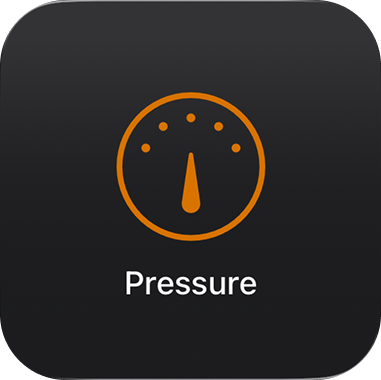
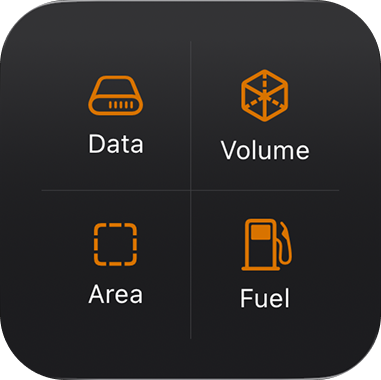
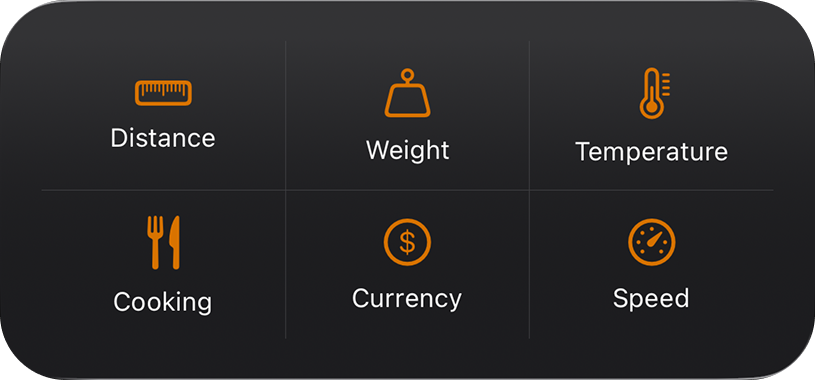
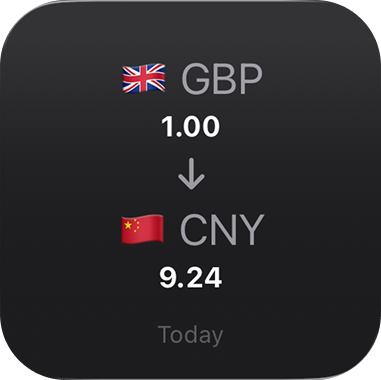
Five widgets across three sizes — launchers for fast access and live currency rates that refresh automatically.
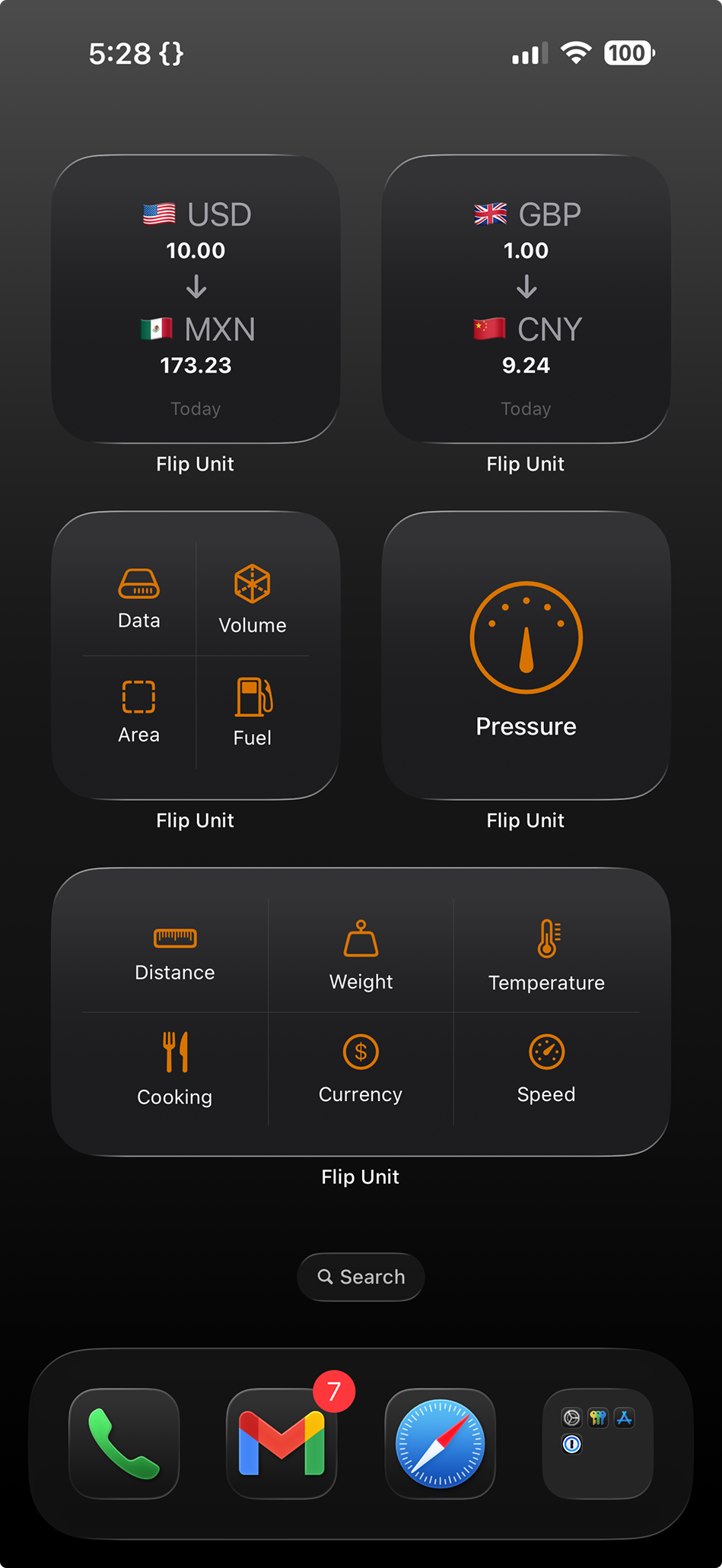
Everything you need, nothing you don't.
162+ currencies with live exchange rates. Works offline with cached rates.
Ingredient-specific conversions. Cups of flour to grams with accurate density.
Meters, feet, miles, kilometers, and more. Metric and imperial.
Grams, pounds, ounces, kilograms, stone, and metric tons.
Liters, gallons, pints, fluid ounces, and milliliters.
Square meters, acres, hectares, square feet, and more.
Celsius, Fahrenheit, and Kelvin conversions.
PSI, bar, atmospheres, pascals, and millibars.
mph, km/h, knots, meters per second, and more.
Watts, kilowatts, horsepower, and BTU per hour.
Bytes, kilobytes, megabytes, gigabytes, and terabytes.
Miles per gallon, liters per 100 km, and km per liter.
Every detail considered. Especially the small ones.
No ads, no tracking, no data collection. All conversions stay on your device. No account required.
Full VoiceOver support, Dynamic Type, haptic feedback, and high contrast. Built for everyone from day one.
Ingredient-specific cooking conversions with density calculations. Cross-category conversions that just work.
Real-time conversions as you type. Conversion history, favorite categories, and smart search.
Follows your system theme by default, or pick one. The app, the Watch, and every widget all match.
Currency rates refresh automatically in the background. Widgets and the Watch stay current without ever opening the app.
Built for blind and low-vision users from the very first line of code.
Quick answers to common questions.
Select a category from the home screen, enter a number, choose your "From" and "To" units using the dropdowns, and see your result instantly at the top of the screen.
Currency rates refresh every six hours when you have an internet connection — the app, your widgets, and the Apple Watch all get updated automatically. The app detects your locale to set default currencies. Once rates are downloaded, they're cached so you can convert currencies offline using the last known values.
Yes. There's a native Apple Watch app with all 12 categories, plus 12 circular complications you can add to any watch face for one-tap access. Currency rates sync automatically from your iPhone, so the Watch never has to fetch them on its own.
Five widgets across three sizes: a single-category launcher, a four-pack launcher, a six-pack launcher, plus a live currency widget. They work on both the Home Screen and the Lock Screen, and each one is independently configurable.
No. Currency rates refresh automatically in the background, so widgets stay current without you ever opening the app. The Apple Watch gets fresh rates pushed from your iPhone the same way.
Cross-category conversions between volumes (cups, tablespoons) and weights (grams, ounces) use density estimates because different ingredients have different weights. For the most accurate results, use ingredient-specific cups like "Cup of Flour" or "Cup of Sugar" which have precise density values.
Go to Settings > History Limit and select a lower number to automatically trim older entries. To clear all app data, go to iOS Settings > Flip Unit > Clear Data, or simply uninstall and reinstall the app.
Open the Settings tab and tap Theme. Choose from System (follows your device setting), Light, or Dark mode.
On the home screen, swipe left on any category card to reveal the favorite option. Tap the star icon to add it to your Favorites section at the top of the home screen.
Yes. All 12 categories work completely offline — Distance, Weight, Volume, Area, Temperature, Pressure, Speed, Power, Data, Fuel, Cooking, and Currency. Currency uses cached exchange rates from the last online update; everything else works without any network at all.
Flip Unit supports 162+ world currencies with exchange rates provided by ExchangeRate-API. Rates refresh every six hours when you're connected to the internet.
iOS 17.0 or later for the iPhone app, iOS 18.0 or later for widgets, and watchOS 10.6 or later for the Apple Watch app.
Absolutely! Flip Unit is built accessibility-first with full VoiceOver support, Dynamic Type scaling, haptic feedback, Reduce Motion support, and high contrast colors.
Very large numbers (over 1 million) or very small numbers (under 0.001) are displayed in scientific notation for better readability. For example, 1,500,000 may display as 1.5e6.
No. Flip Unit collects absolutely no personal data. All conversions happen locally on your device. See our Privacy Policy for full details.
Flip Unit is currently available only for iOS (iPhone). There are no plans for an Android version at this time.